Client Pulse

One place to see how every client is doing.

Client Pulse is the internal operations hub at Tech Pro Marketing, a marketing agency that looks after more than 100 managed service providers. It gives sales, customer success, onboarding and the specialist teams the same picture of every client. I help build it with the team.

Where
Tech Pro Marketing, used daily by its staff
My part
Specs, data rules, integrations and checking what ships
Team
A small group building together in Lovable
Since
April 2026
This line is a real Monday of Client Pulse’s scheduled work. Every spike is a job: the small ones run every 15 minutes, the middle ones every hour, and the tallest is the weekly ads check. See what each one does.
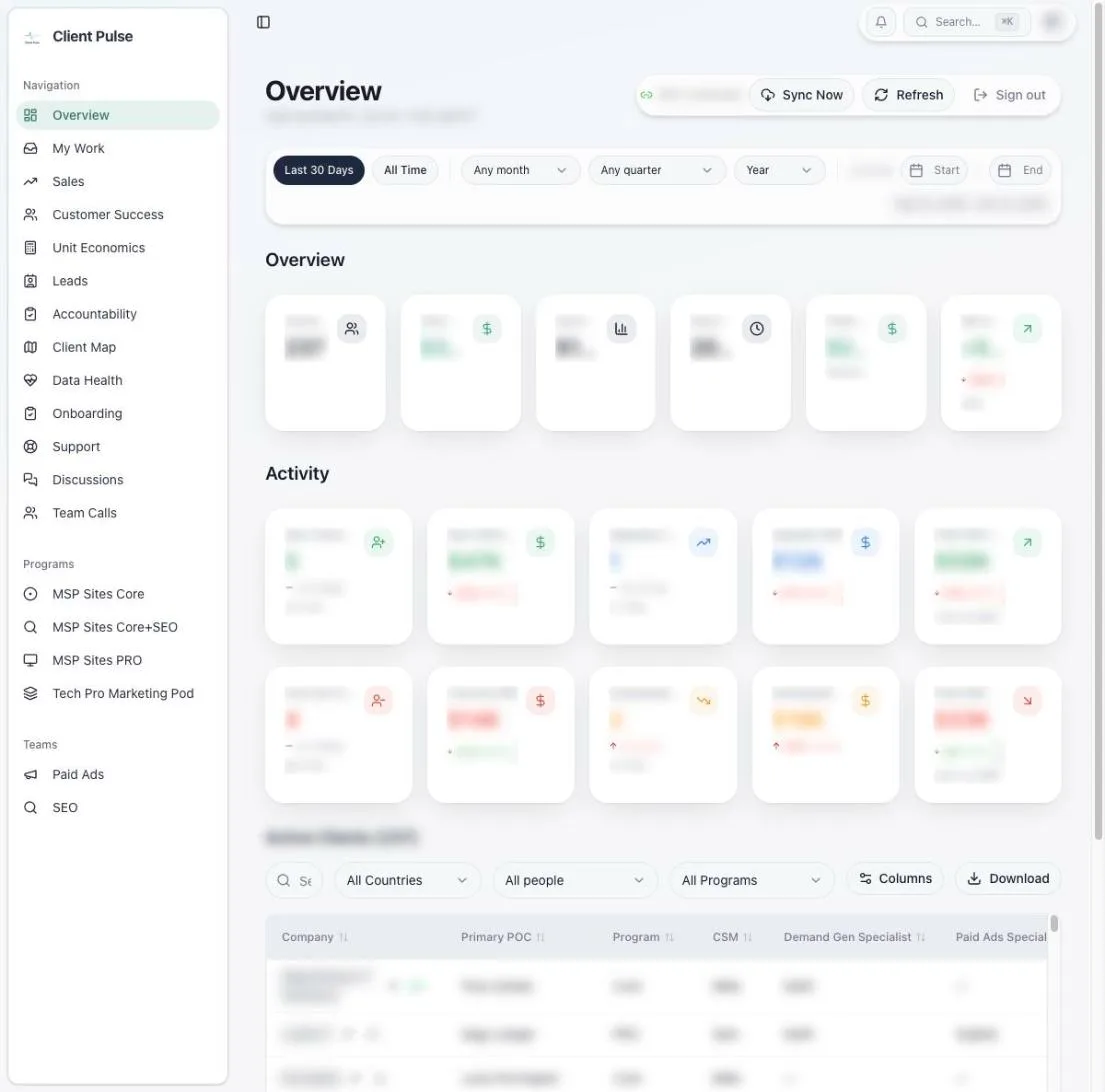
The Client Pulse overview screen: a sidebar with every section of the app, date filters, summary and activity cards, and the active clients table. Client names, people and figures are blurred.

Overview. The whole client roster at a glance: active clients, recurring revenue, new clients, upgrades and churn for any date range. Below the cards, every active client with their program and the people assigned to them, filterable by country, person and program.

Client Pulse is private to the agency’s staff and has no public sign-up. Every screen on this page is real, with client names, people and business figures blurred.

The problem it solves

An agency with this many clients keeps its facts in a lot of places. The client roster and appointments live in GoHighLevel. Website requests and tasks live in ClickUp. Calls are recorded in Fathom. Ad spend sits in Google Ads and Meta. Conversations happen in Slack.

Answering a simple question, such as “is this client set up properly and getting results?”, meant opening several of those tools and asking around. Client Pulse reads from them, ties everything to the right client, and shows each team the view it needs. When something needs a person, it says who.

What each team sees

Six more of the screens the team uses most, in the order of the app’s own sidebar.

Sales

For the sales team: appointments, show rates and follow-up calls, the deals sitting in each pipeline stage, and a table of how every rep is doing on wins, pipeline, appointments, show rate and close rate.

Comes from appointments and the sales pipeline.
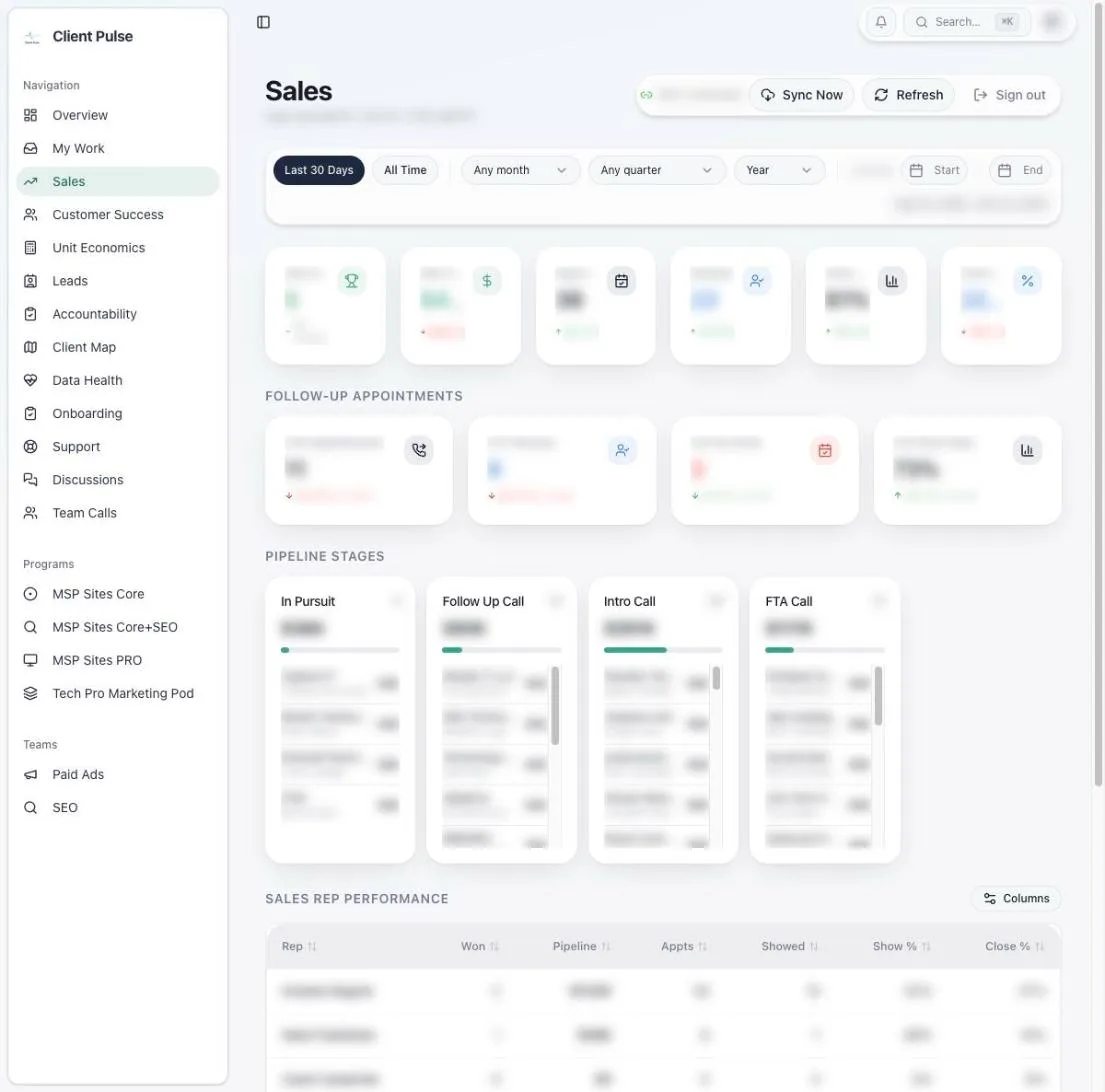
Sales screen with summary cards, follow-up appointment cards, four pipeline stage columns and a sales rep performance table, details blurred.

Customer success

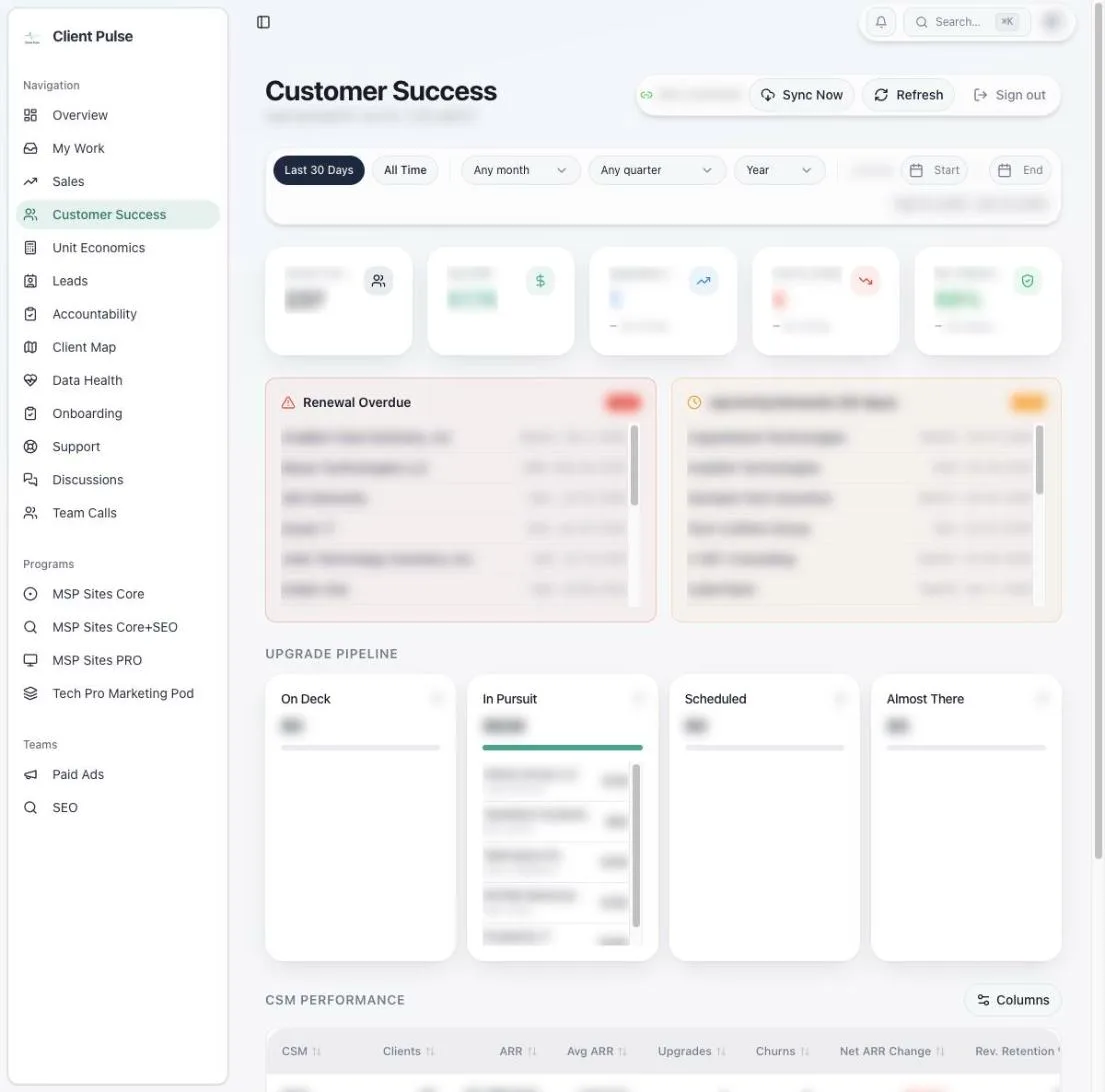
Renewals that are overdue or coming up sit at the top, so nothing slips. An upgrade pipeline runs from on deck to almost there, and each customer success manager sees their clients, annual revenue, upgrades, churn and retention.

Comes from the roster’s dates, programs and assigned managers.

Customer success screen with overdue and upcoming renewal lists, an upgrade pipeline and a manager performance table, details blurred.

Leads

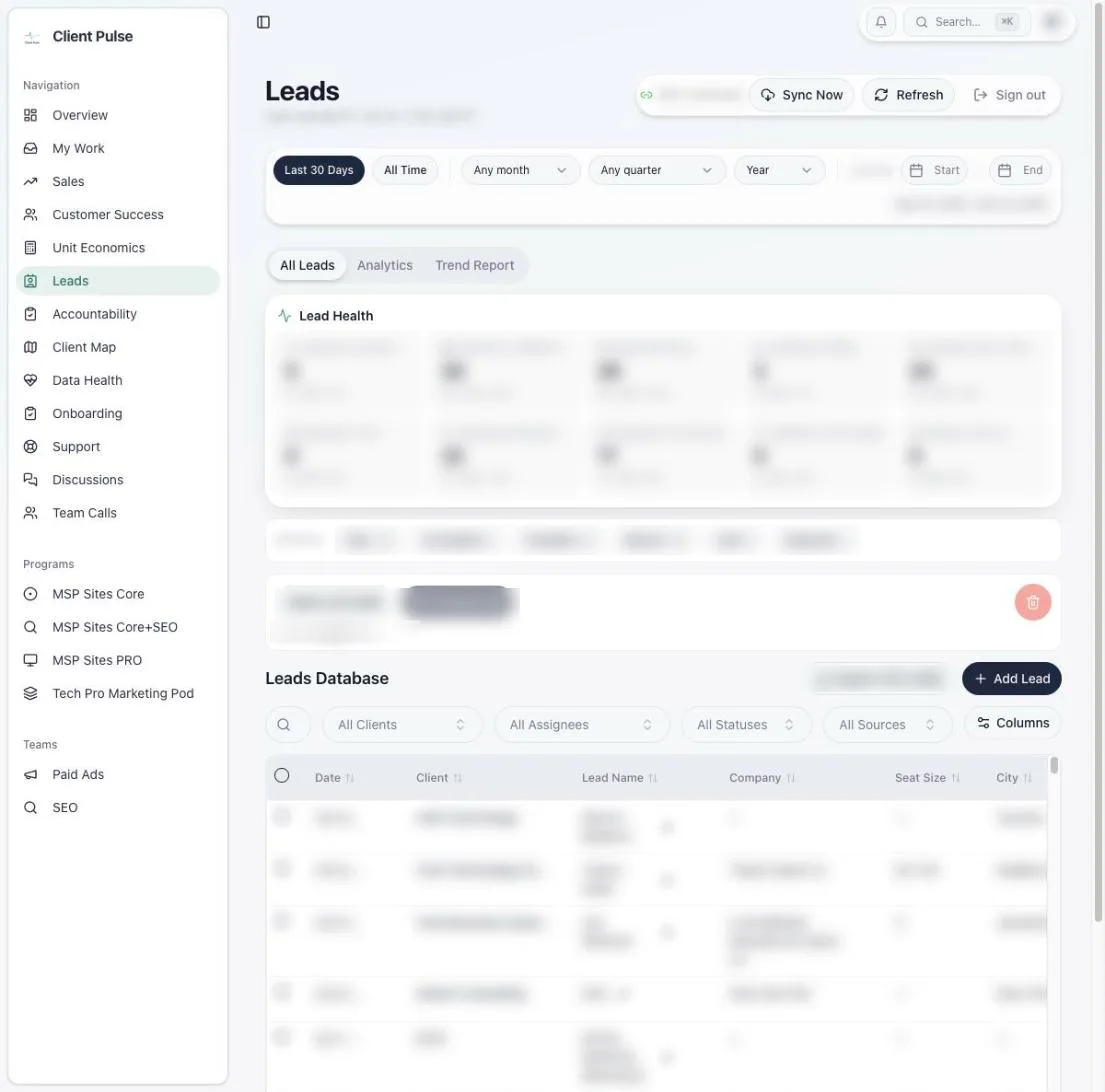
Every lead the agency generates is tied to the client it came from and checked for missing details. Staff review each one before it counts. The list filters by client, assignee, status and source, and there are analytics and a monthly trend report beside it.

Comes from incoming lead records, matched to clients by ID.

Leads screen with lead health checks, filters and the leads database table, details blurred.

Accountability

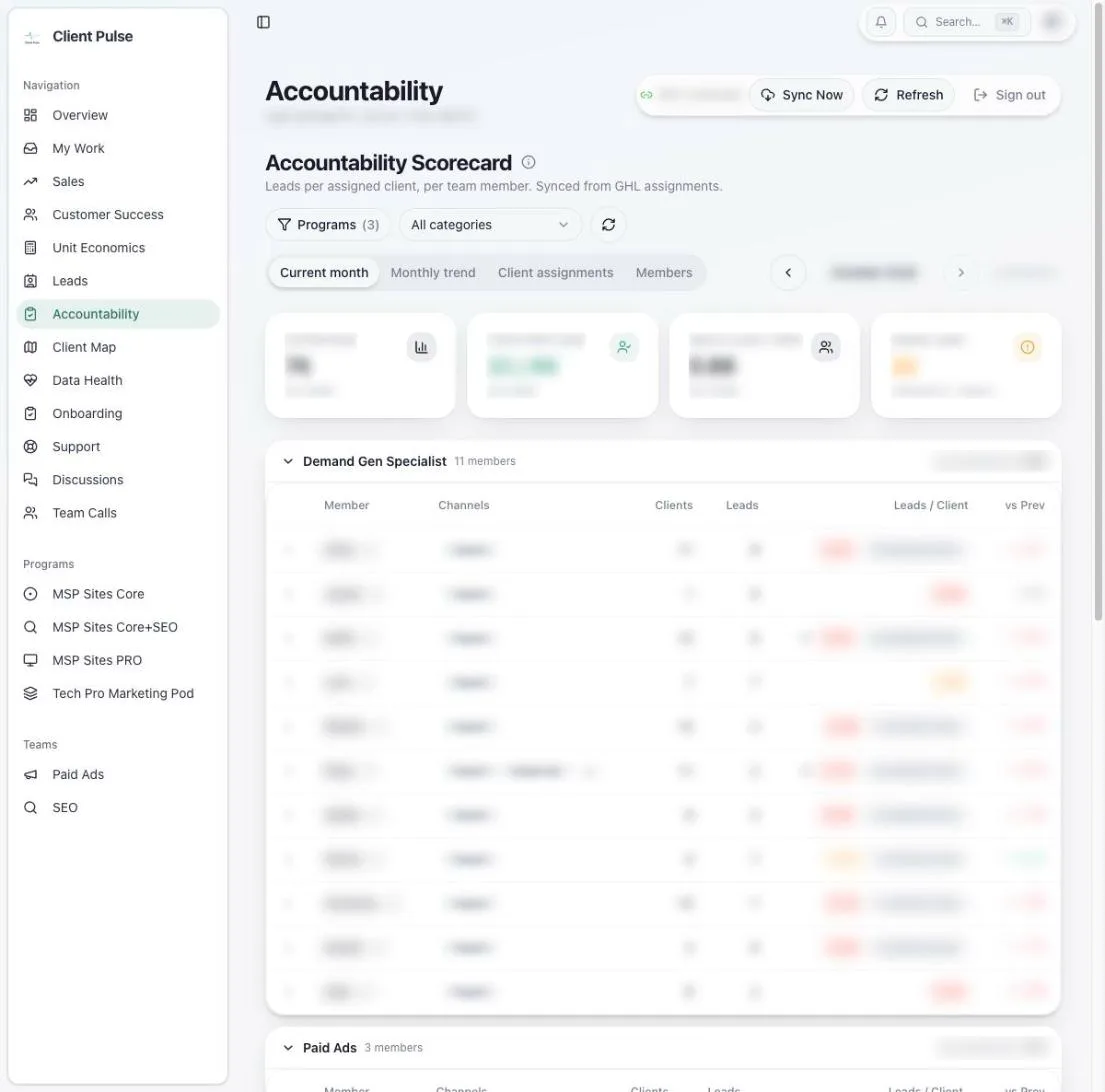
A monthly scorecard of leads per assigned client for each specialist, grouped by role. Each role is scored on its own channels: organic and AI search for demand generation, ads and social for paid ads, LinkedIn and email for assistants. Only reviewed leads count.

On the 1st, the scorecard records who owned which client. On the 11th, the month locks and its numbers stop moving.

Accountability scorecard with summary cards and a per-member table grouped by role, details blurred.

Onboarding

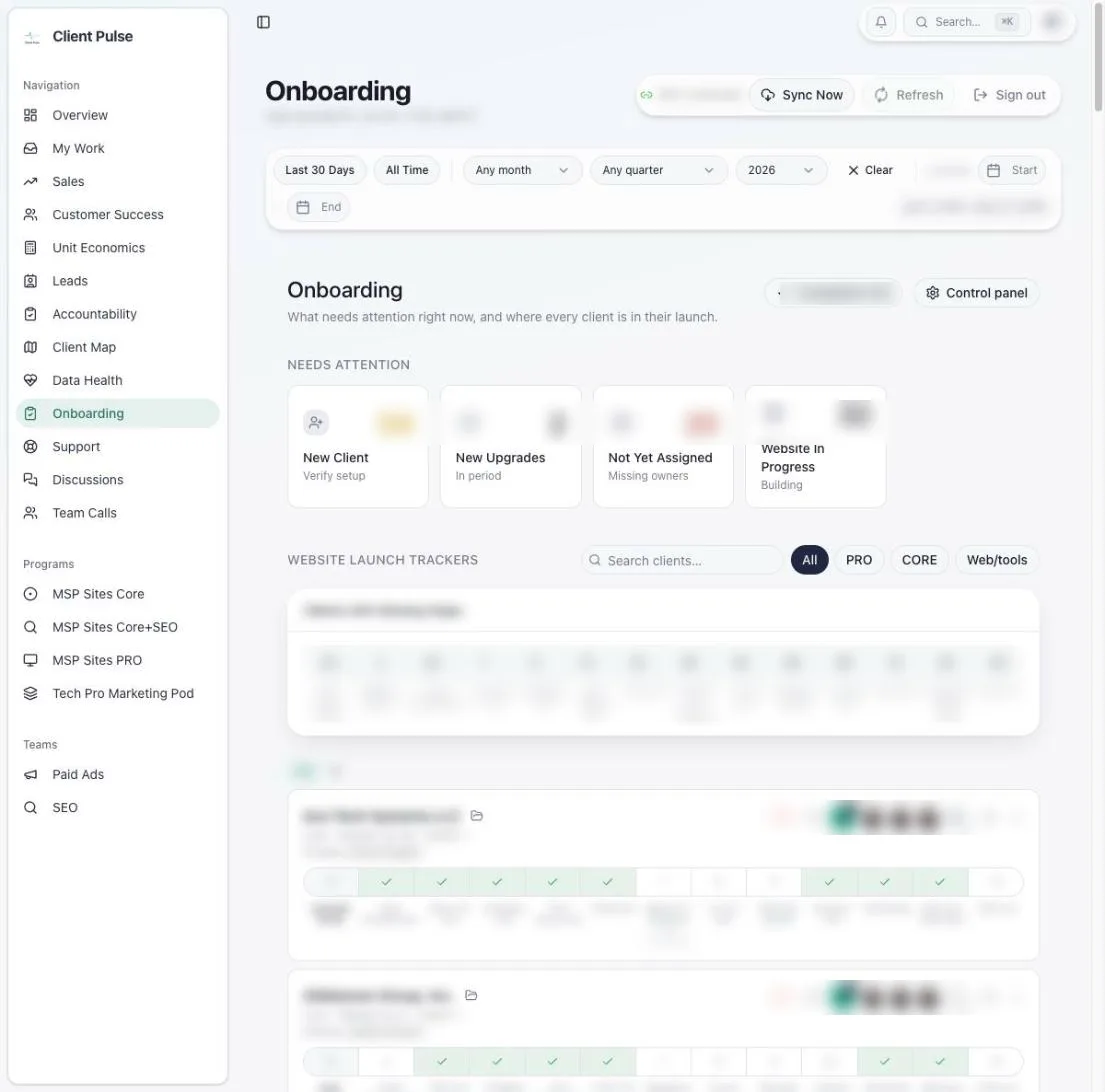
New clients, upgrades and accounts with nobody assigned come first. Below them, every client’s website launch is tracked step by step, with the web team’s ClickUp tasks mirrored in. Each client can follow their own progress through a private link that shows nothing internal.

Comes from the roster and ClickUp, with a two-way sync for website tasks.

Onboarding screen with needs-attention cards and step-by-step website launch trackers for each client, details blurred.

Data health

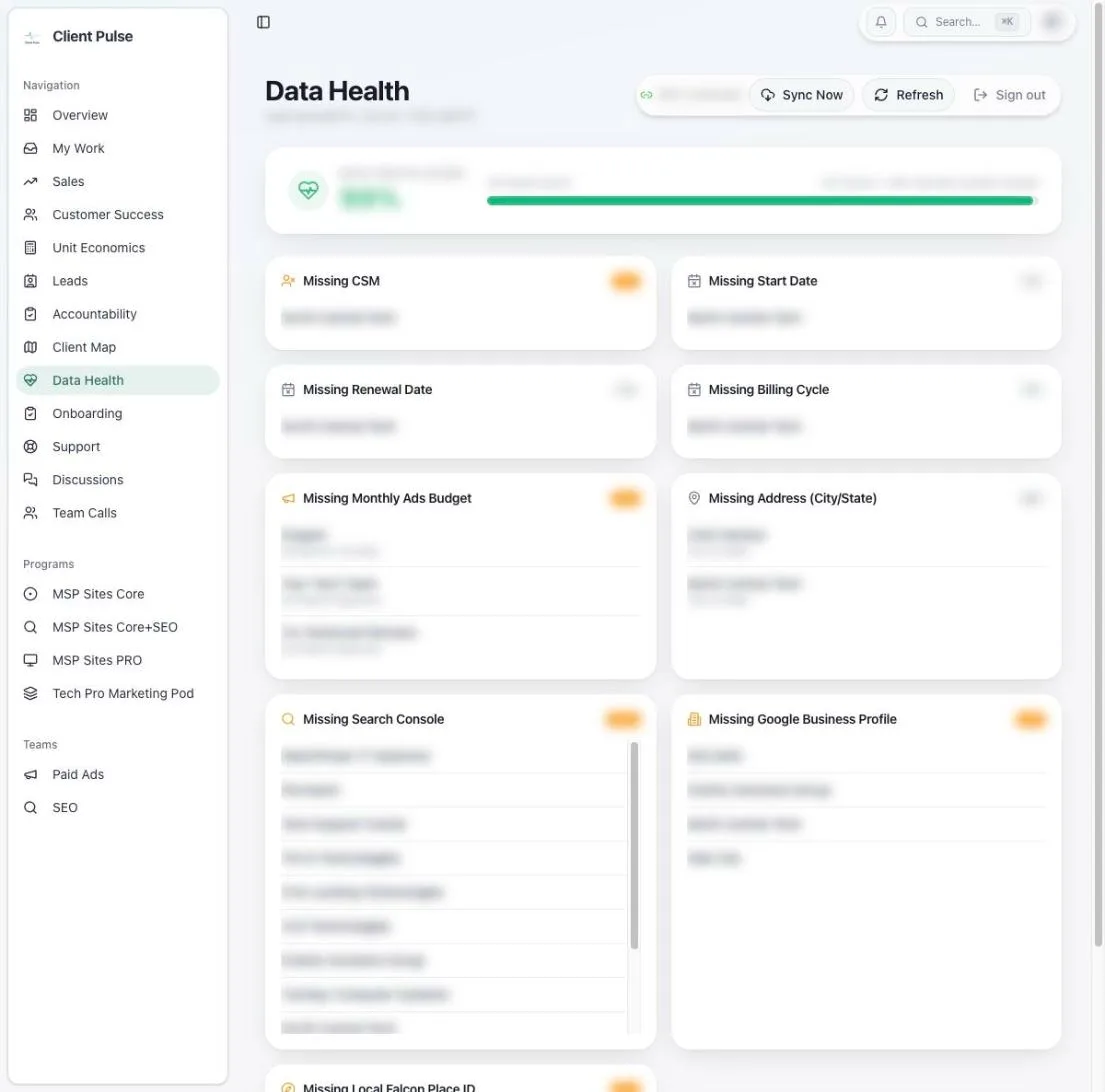
Reports are only as good as the records behind them. This screen lists every client missing a manager, a start or renewal date, a billing cycle, an ads budget, an address, or a Search Console, Business Profile or Local Falcon connection, so gaps get fixed instead of skewing the numbers.

Data health screen with a completeness bar and lists of clients missing key fields, details blurred.

Also in the app: My Work, a single list of everything waiting on you; Discussions, for comments and mentions on any client, lead or step; Team Calls; Paid Ads and SEO views; a client map; and unit economics.

How it fits together

Client Pulse doesn’t replace the tools the agency already uses. It reads from them, keeps a clean copy tied to each client, and sends people what they need to act on.

Reads from

  • GoHighLevelThe client roster, contacts and appointments. It stays the source of truth.
  • ClickUpWeb requests and website tasks, kept in step both ways.
  • FathomCall recordings, summaries and action items, matched to the right client.
  • Google Ads and MetaSpend, budgets and disapproved ads.
  • Local FalconMonthly map-ranking scans for local SEO clients.

Client Pulse

  • A Postgres database with access rules that keep it staff-only
  • Backend functions for each integration
  • Scheduled jobs that sync, check and lock

Shows up in

  • The staff app25 pages, with comments, mentions and a notification bell.
  • SlackWeekly ad digests and direct messages to the people responsible.
  • ClickUpStatus, assignee and comment changes made from Client Pulse.
  • A client’s private trackerTheir own onboarding progress, and nothing else.
Front end
React and TypeScript with Vite, Tailwind and TanStack Query, built and hosted in Lovable
Back end
Supabase on Lovable Cloud: Postgres with row-level security, edge functions, pg_cron and realtime
Sign-in
Staff Google accounts
Size, September 2026
25 pages, 41 backend functions, 65 tables, 166 database migrations

The jobs behind the line

A lot of Client Pulse’s work happens when nobody is looking. These are the jobs that make up the line at the top of the page, on one Monday, in UTC.

ClickUp requestsEvery 15 minutes, plus instant updates. Keeps each client’s web requests current.
Fathom callsHourly. Brings new call recordings onto the right client.
Scorecard upkeepHourly. Records the month’s owners on the 1st and locks the month on the 11th.
Fathom tidy-upDaily at 08:30. Hides calls that were made private or deleted in Fathom.
Paid ads checkMondays at 12:00. Checks the Google Ads and Meta accounts the agency runs and posts a digest to Slack.
Ads watchdogDaily at 13:00. Speaks up if the ads check hasn’t run in eight days.
Onboarding nudgesDaily at 13:00. Reminds the owner when a new client’s next onboarding call isn’t booked.

My part

Client Pulse is a team effort. Several people at the agency build it together in Lovable, an AI app builder, and changes from any of us go live in the same app.

My job is to shape the work and make sure it holds up. I write the spec and the build plan for a change, set the data rules it has to follow, and break it into small prompts for Lovable. When it ships, I check it against the live app and real data before calling it done, and I write a plain-language summary so the rest of the team knows what changed.

I keep the specs, plans and summaries in a separate docs repository and do the planning and checking with an AI coding assistant.

Threads I’ve worked on with the team

  • The accountability scorecard and its month-close rules
  • Keeping the roster in sync with GoHighLevel
  • Comments, mentions, notifications and My Work
  • ClickUp requests and the two-way website task sync
  • Google Ads and Meta alerts in Slack
  • Fathom recordings on each client’s meetings tab
  • Fixing the Local Falcon monthly scans

Rules we learned the hard way

The team keeps a running list of lessons so nobody has to learn them twice. Four that shaped how Client Pulse works:

A green log isn’t proof

A scheduled job can report success while its work quietly fails. Jobs that matter now get a second check that looks for the result, like the watchdog on the weekly ads check.

Mirror, don’t fork

GoHighLevel stays the source of truth for the roster. Client Pulse keeps a copy, never deletes a client record, and takes people off the roster with a switch, so history stays intact.

An alert has to earn the ping

The first ad warnings flagged almost everyone, so people ignored them. New rules are replayed against a closed month before they go live, and they only message someone when there is something to do.

Check what’s live, not what was planned

Several people change the app at once, so a plan only says what was meant to happen. A change counts as done when the live app shows it.

More of my work

Client Pulse is one of the things I work on. The apps I build on my own, and how to reach me, are on my site.

Visit raiyanasaral.com